Installation & Activation
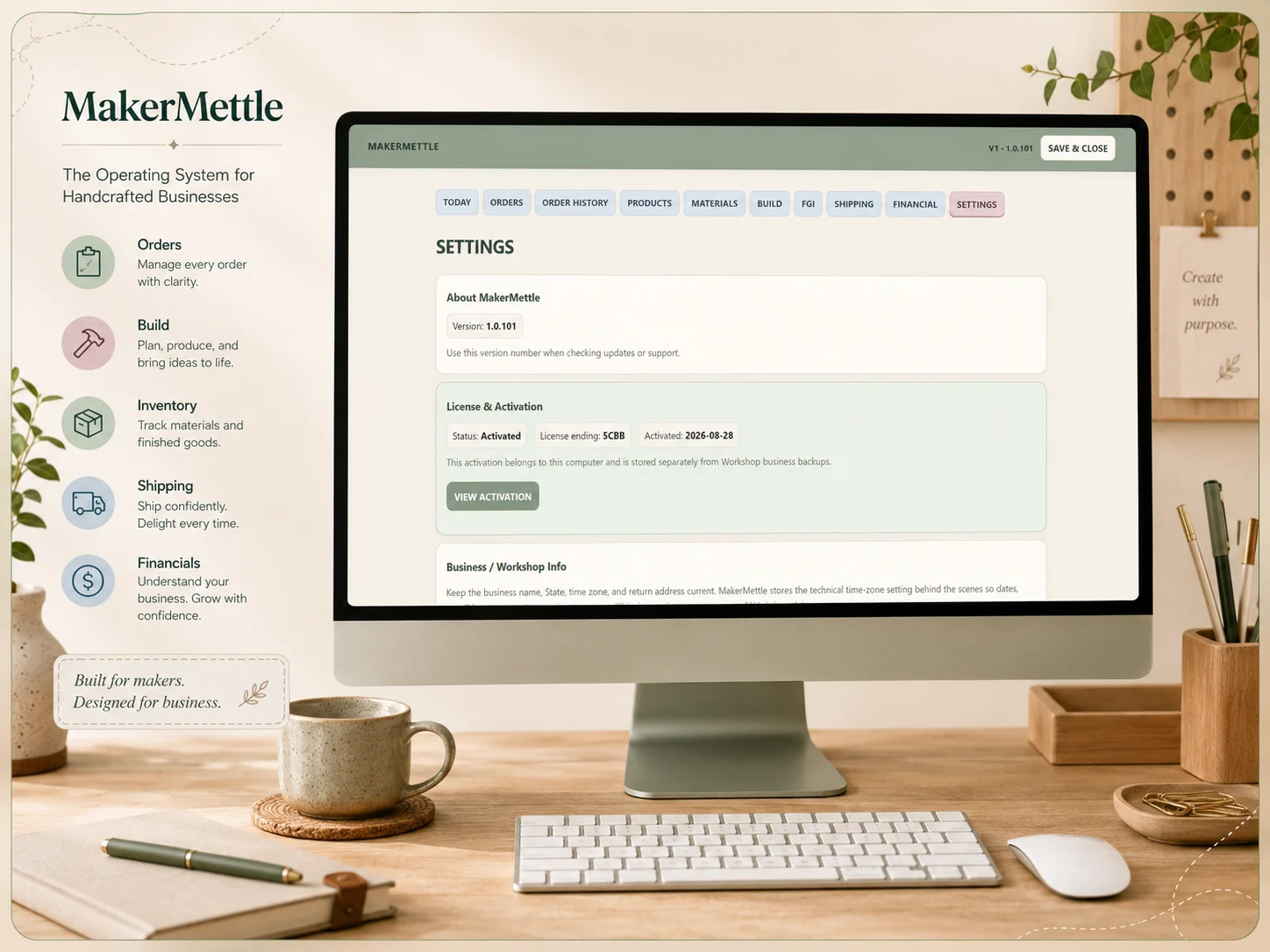
Installing MakerMettle, opening the Windows app, activation, licensing and computer changes.
Get help →Whether you’re setting up MakerMettle, working through a material conversion, connecting Etsy or Shopify, or troubleshooting a workflow, start here.
Choose the topic that best matches what you’re doing. The full User Guide will cover these areas step by step, and email support is available when you need a person.
Installing MakerMettle, opening the Windows app, activation, licensing and computer changes.
Get help →Creating orders, moving work through Build, payments, shipping and completed Order History.
Get help →Inventory units, recipe-use units, conversions, receiving material, physical counts and costing.
Get help →Marketplace connections, product mapping, exact SKU matching and store/app configuration.
Get help →Creating backups, restoring data and protecting the business information stored in MakerMettle.
Get help →Financial Pulse, order financial information, sales exports and understanding what the figures represent.
Get help →You don’t need to write a technical report. A few details can make it much easier to understand what happened.
Please do not send passwords, Shopify Client Secrets, access tokens, full payment-card information or other private credentials.
If a connection problem involves a secret or token, tell us which step failed and what MakerMettle displayed. We’ll help you troubleshoot without asking you to expose the secret itself.
Send us what you’re seeing and where you got stuck. We’ll use that information to help you work through it.